Splice+ Cloud Connectivity App
Applications
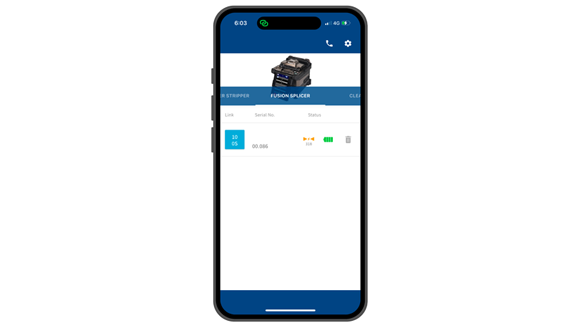
- The app allows users to check splicing results, monitor tool usage status, and change tool settings. Splice locations saved in the Core Alignment Fusion Splicer 100S can also be easily confirmed.
Features
- 01
Splicing data can be checked.
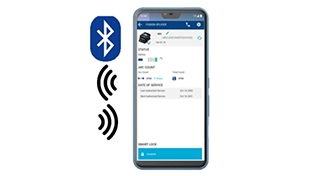
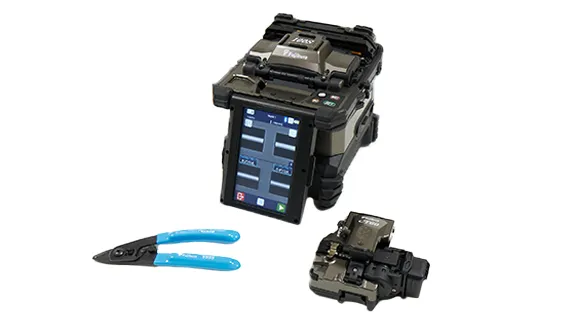
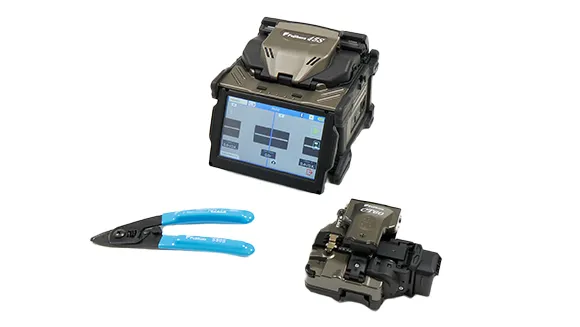
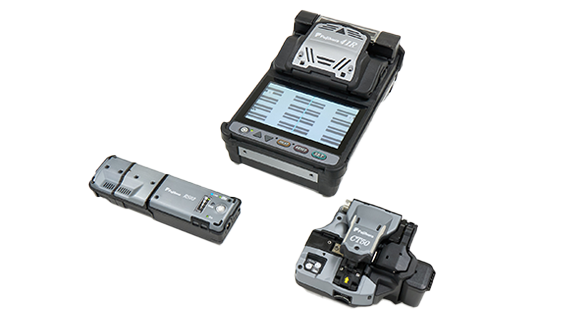
You can review splicing results for the 100S, 45S, and 41R. By also checking location data saved on the 100S, daily workflows can be managed more efficiently.
- 02
Tool setting can be changed.
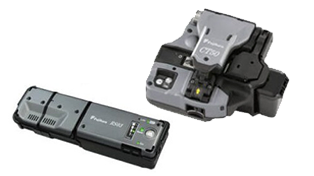
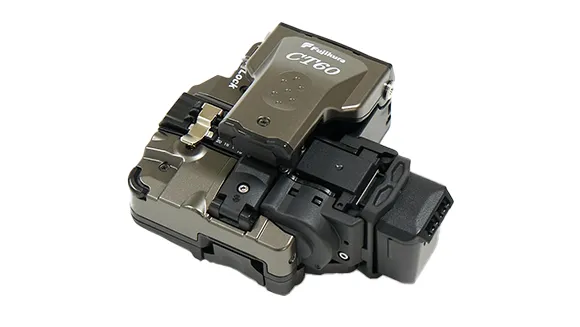
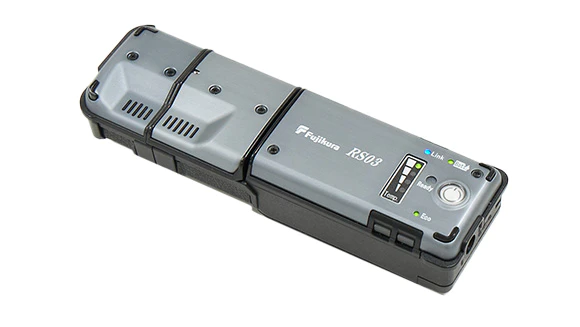
You can monitor blade usage and change the cleaving position on the CT60, as well as adjust heating temperature settings on the RS03.
- 03
Equipped with an anti-theft lock function.

By enabling the lock function on the fusion splicer, you can contribute to preventing theft.
Customer Benefits
You can install the application here.
(The use of the app is free of charge; however, we regret that we cannot bear any data communication charges.)

Fiber Optic Fusion Splicing Training
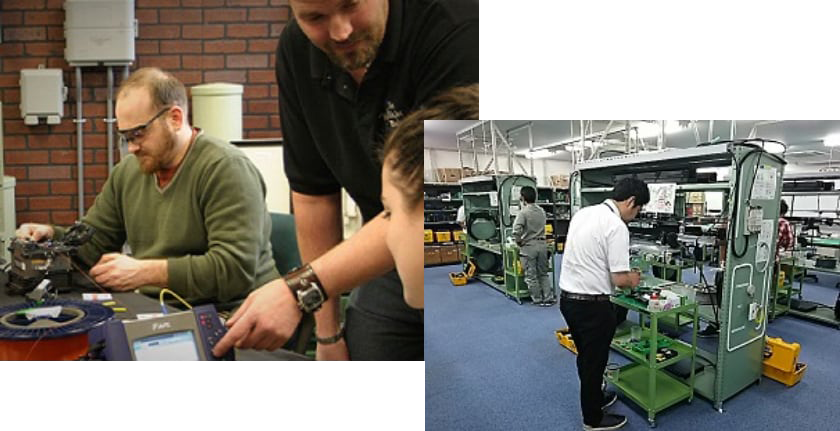
Fujikura offers fusion splicing training courses with optic fiber handlings. Through these courses, you will gain an understanding in fiber optic communications, installations, testing procedure with necessity equipment. You will also learn how to make the right knowledge in choosing the most suitable equipment for your project. Please contact Fujikura authorized distributor more information.